
- Best for
- Most buyers wanting a complete setup
- Room need
- Confirm room fit
- Budget
- Balanced mid-budget
Mid-budget simulator guide
Best golf simulator under $10,000: balance device and room build
A sub-$10,000 budget can move beyond a basic starter route, but it still needs choices. Compare whether the money should go toward a better launch monitor, a better room build, a screen enclosure, or a staged upgrade plan.
Independent guideRoom-fit firstAffiliate disclosure
Disclosure: Golf Sim Scout may earn a commission when visitors buy through some links. Recommendations are structured around buyer fit, room constraints, pricing, and practical trade-offs. Read the affiliate disclosure.
Quick answer
Under $10,000, many buyers can build a more convincing home simulator, but the strongest route is still the one that balances launch monitor confidence with mat, screen, enclosure, software, display, and room protection. Spending too much on one part can weaken the whole setup.
Buyer shortcut
Choose the buying question that matches you
Most readers do not need every golf simulator guide at once. Pick the constraint that could make you buy the wrong setup, then continue from there.
Balance device and room
Do not spend the whole budget on the launch monitor if the room still needs protection, turf, and display planning.
Budget software and protection
Include subscriptions, simulation software, impact screen or net, side protection, and replacement wear items.
Pick upgrade path
Choose a route that can grow from a practical setup into a more complete simulator room.
Compare
Golf simulator under $10,000 route comparison
Use this table to avoid overbuilding one part while underbuilding the rest.
- Best for
- Serious golfers prioritizing measurement confidence
- Room need
- Confirm room fit
- Budget
- Device-heavy
- Best for
- Buyers who care about visual simulator feel
- Room need
- Confirm room fit
- Budget
- Room-heavy
- Best for
- Buyers who want flexibility and less permanent build
- Room need
- Confirm room fit
- Budget
- Flexible mid-budget
| Setup route | Best for | What to include | Budget cue | Setup effort | Main trade-off | Watch-out |
|---|---|---|---|---|---|---|
| Best starting routeBalanced home build | Most buyers wanting a complete setup | Value monitor, good mat, screen/net, display, protection | Balanced mid-budget | Moderate | No single component is maxed out | Still needs careful component matching |
| Room-fit routeData-first practice setup | Serious golfers prioritizing measurement confidence | Higher-confidence monitor, simpler room, upgrade plan | Device-heavy | Low to moderate | Better data, less immersive room | Room may feel unfinished at first |
| Setup routeRoom-first screen setup | Buyers who care about visual simulator feel | Screen, enclosure, mat, projector/display, value monitor | Room-heavy | Moderate to high | Better room feel, more moving parts | Projector and protection costs can creep |
| Buyer routePortable premium path | Buyers who want flexibility and less permanent build | Portable-capable monitor, mat, net/screen, simple display | Flexible mid-budget | Low to moderate | Less fixed-studio feel | Confirm device workflow before buying |
Best starting route
Balanced home build
- Best for
- Most buyers wanting a complete setup
- What to include
- Value monitor, good mat, screen/net, display, protection
- Budget cue
- Balanced mid-budget
- Setup effort
- Moderate
- Main trade-off
- No single component is maxed out
- Watch-out
- Still needs careful component matching
Room-fit route
Data-first practice setup
- Best for
- Serious golfers prioritizing measurement confidence
- What to include
- Higher-confidence monitor, simpler room, upgrade plan
- Budget cue
- Device-heavy
- Setup effort
- Low to moderate
- Main trade-off
- Better data, less immersive room
- Watch-out
- Room may feel unfinished at first
Setup route
Room-first screen setup
- Best for
- Buyers who care about visual simulator feel
- What to include
- Screen, enclosure, mat, projector/display, value monitor
- Budget cue
- Room-heavy
- Setup effort
- Moderate to high
- Main trade-off
- Better room feel, more moving parts
- Watch-out
- Projector and protection costs can creep
Buyer route
Portable premium path
- Best for
- Buyers who want flexibility and less permanent build
- What to include
- Portable-capable monitor, mat, net/screen, simple display
- Budget cue
- Flexible mid-budget
- Setup effort
- Low to moderate
- Main trade-off
- Less fixed-studio feel
- Watch-out
- Confirm device workflow before buying
Shortlist
Our top picks
Each pick is framed by buyer type, room fit, price cue, and the trade-off to check before comparing prices.
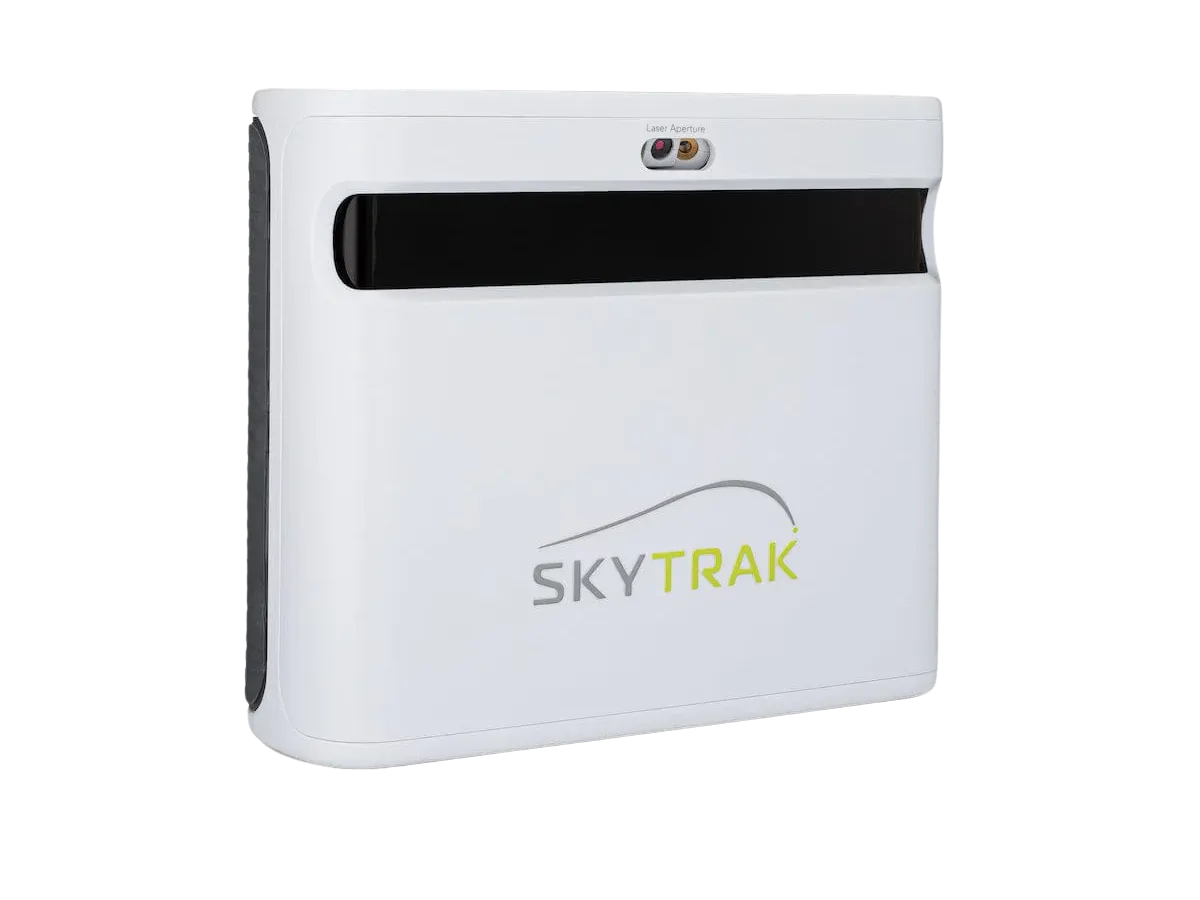
Balanced value
SkyTrak ST MAX
Strong balance for many under-$10k home routes.
- Price cue
- Mid-range
- Best for
- Home players comparing the current SkyTrak launch monitor
- Watch-out
- Still check software and package cost.
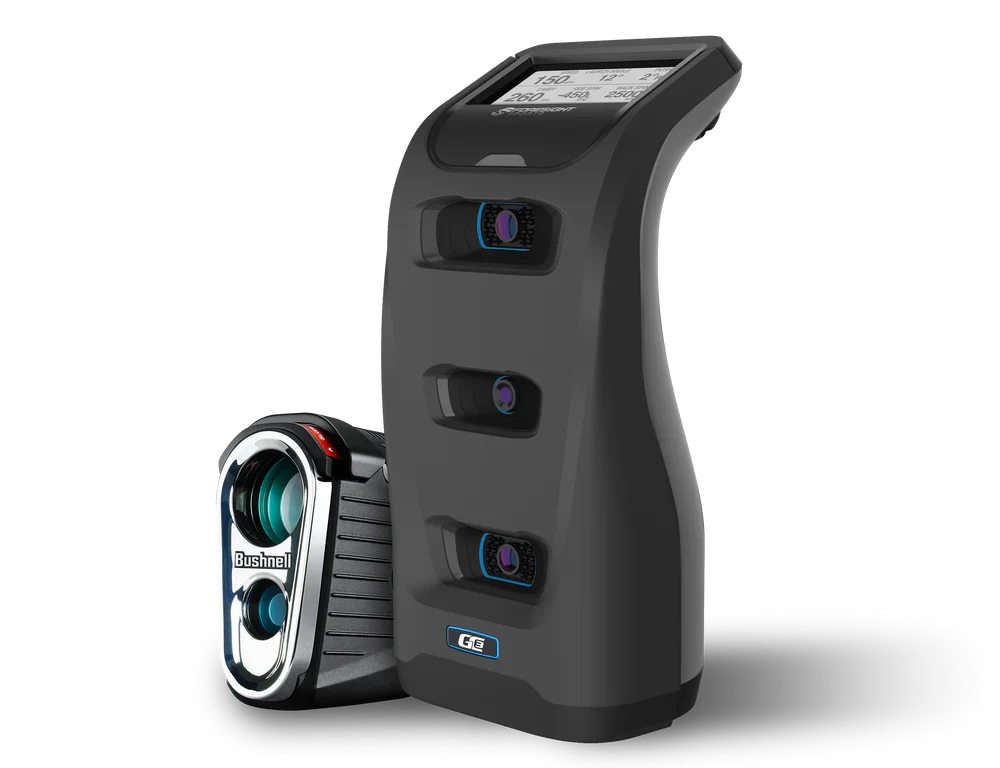
Serious practice stretch
Foresight GC3
A stronger practice route if budget allocation works.
- Price cue
- Premium
- Best for
- Serious practice and dedicated rooms
- Watch-out
- Can force compromises elsewhere.

Flexible premium portable
Garmin Approach R50
Useful when display/workflow simplicity matters.
- Price cue
- Upper mid-range
- Best for
- Buyers who want a flexible launch monitor path
- Watch-out
- Confirm simulator workflow and total ownership cost.
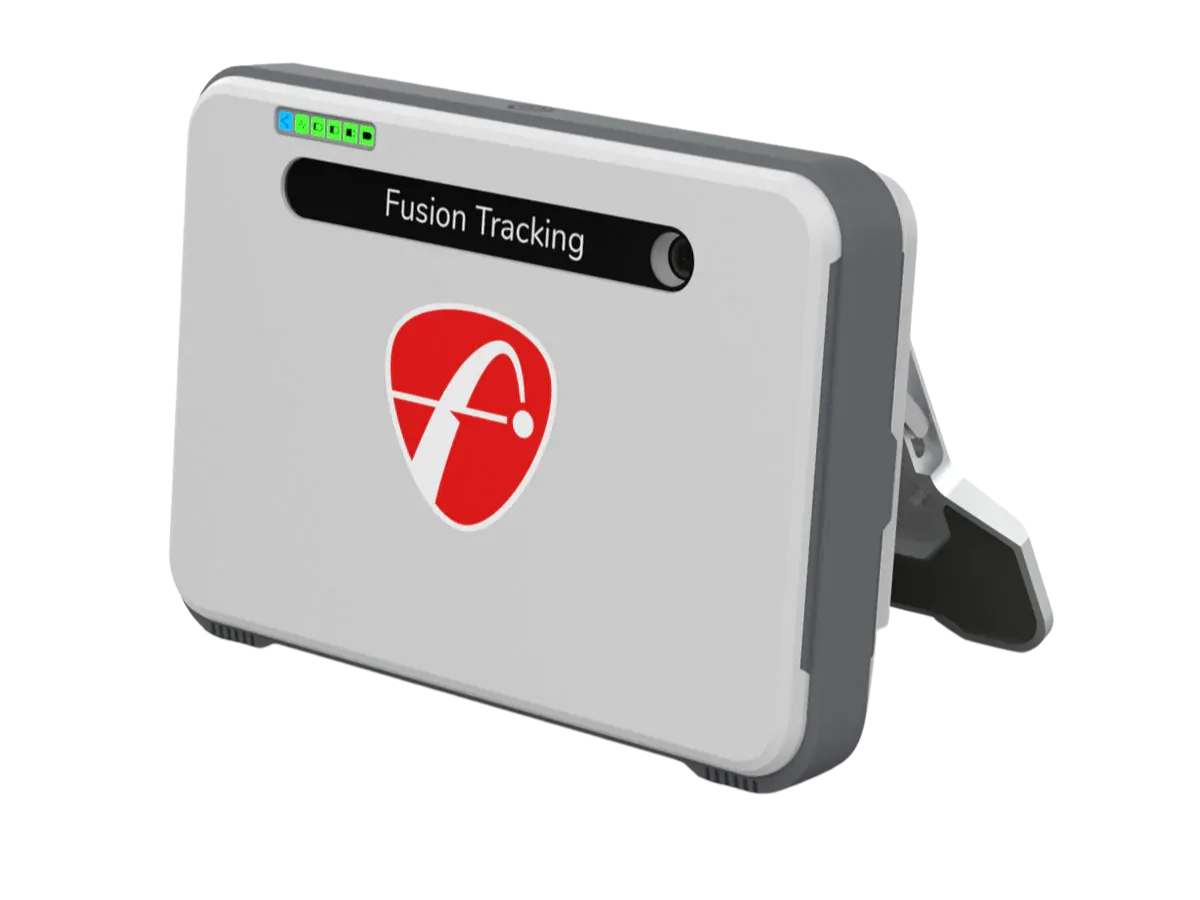
Portable mid-range
FlightScope Mevo Gen2
Worth comparing for flexible practice routes.
- Price cue
- Mid-range
- Best for
- Buyers comparing portable practice with deeper data
- Watch-out
- Room depth planning matters.
Why trust Golf Sim Scout
Built to help buyers avoid the wrong home simulator setup
Most expensive mistakes happen before checkout: the room is too tight, the real budget is higher than expected, or the buyer compares devices before choosing the setup route.
We frame picks around room size, ceiling height, portability, and setup effort before product excitement.
We separate launch monitor price from mats, nets, screens, projectors, software, and room protection.
Some links may earn a commission, but the page is structured around buyer fit and practical trade-offs.
The goal is to help readers avoid the wrong route before they open a retailer or brand page.
Next buying step
Compare current product options after the fit check
Use these options only after checking room fit, budget, setup effort, and software needs. Product availability, package details, and pricing can change, so confirm current details before buying.
Under-$10,000 verdict
Best balance Avoid spending the whole budget on only the launch monitor or only the room.
Good route Value monitor plus better mat, screen/net, display, and protection often feels more complete.
Main risk Premium ambition can still outrun the budget if installation and software are ignored.
Buyer fit
Who should buy / who should skip
Use this filter before comparing products. A good golf simulator choice starts with fit, not with the loudest product claim.
Who should buy
- Buy if the budget covers both measurement and room usability.
- Buy if the setup can be upgraded without replacing everything.
Who should skip
- Skip a device-heavy route if the room will be unsafe or unfinished.
- Skip a room-heavy route if practice data is the main goal.
Mid-budget checks
Decide where the extra budget should go
The under-$10,000 decision is usually a trade-off between measurement confidence, room quality, and long-term upgrade path.
Set rough buckets for launch monitor, mat, screen/net, display, software, and protection before comparing products.
A polished screen room needs different choices than a practice-first data setup.
Avoid components that will be replaced immediately when the room improves.
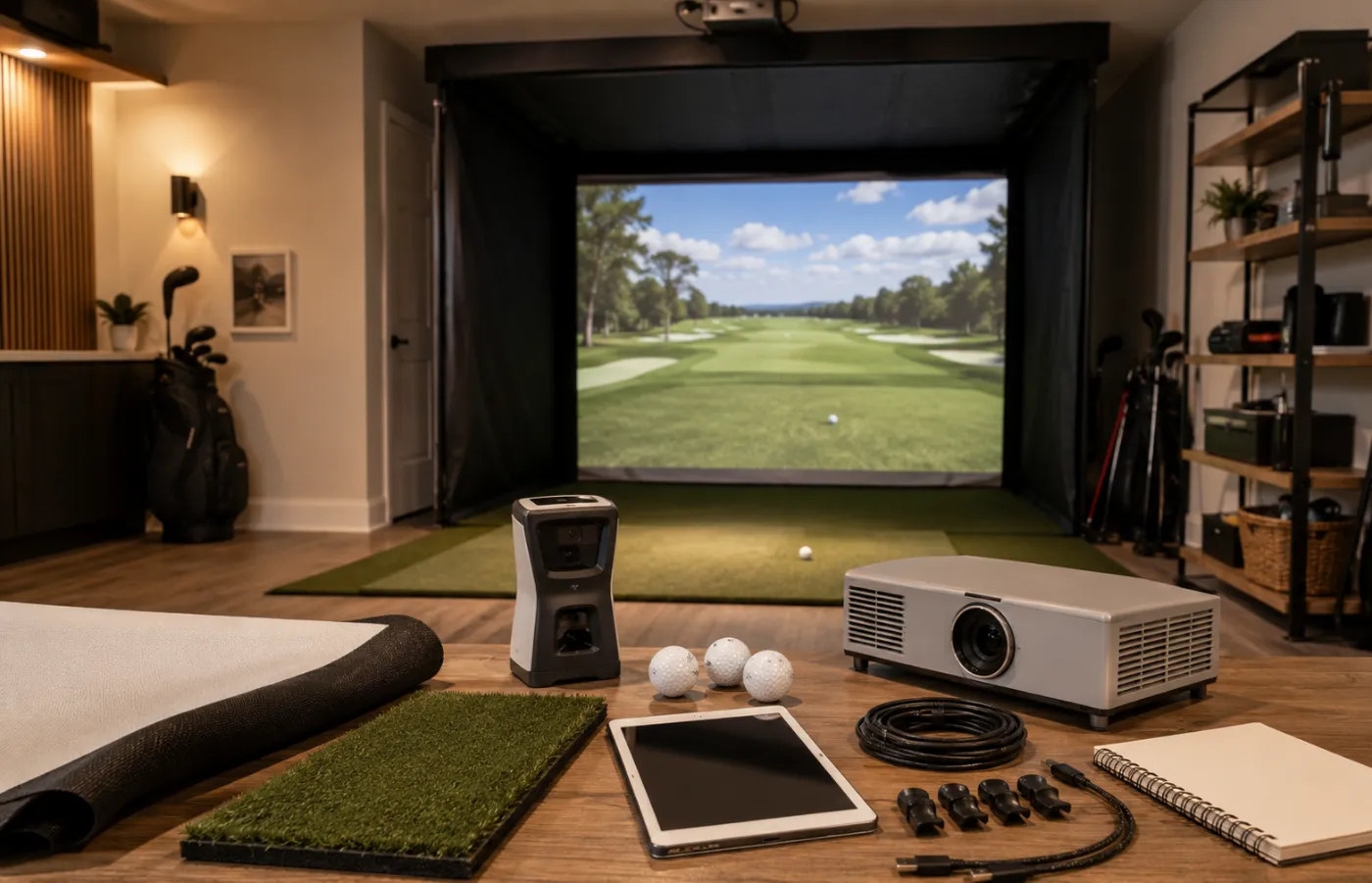
Under-$10k routes
Four routes that can make sense under $10,000
At this budget, the decision becomes less about one product and more about the balance of the whole build: room, screen, device, software, and upgrade path.
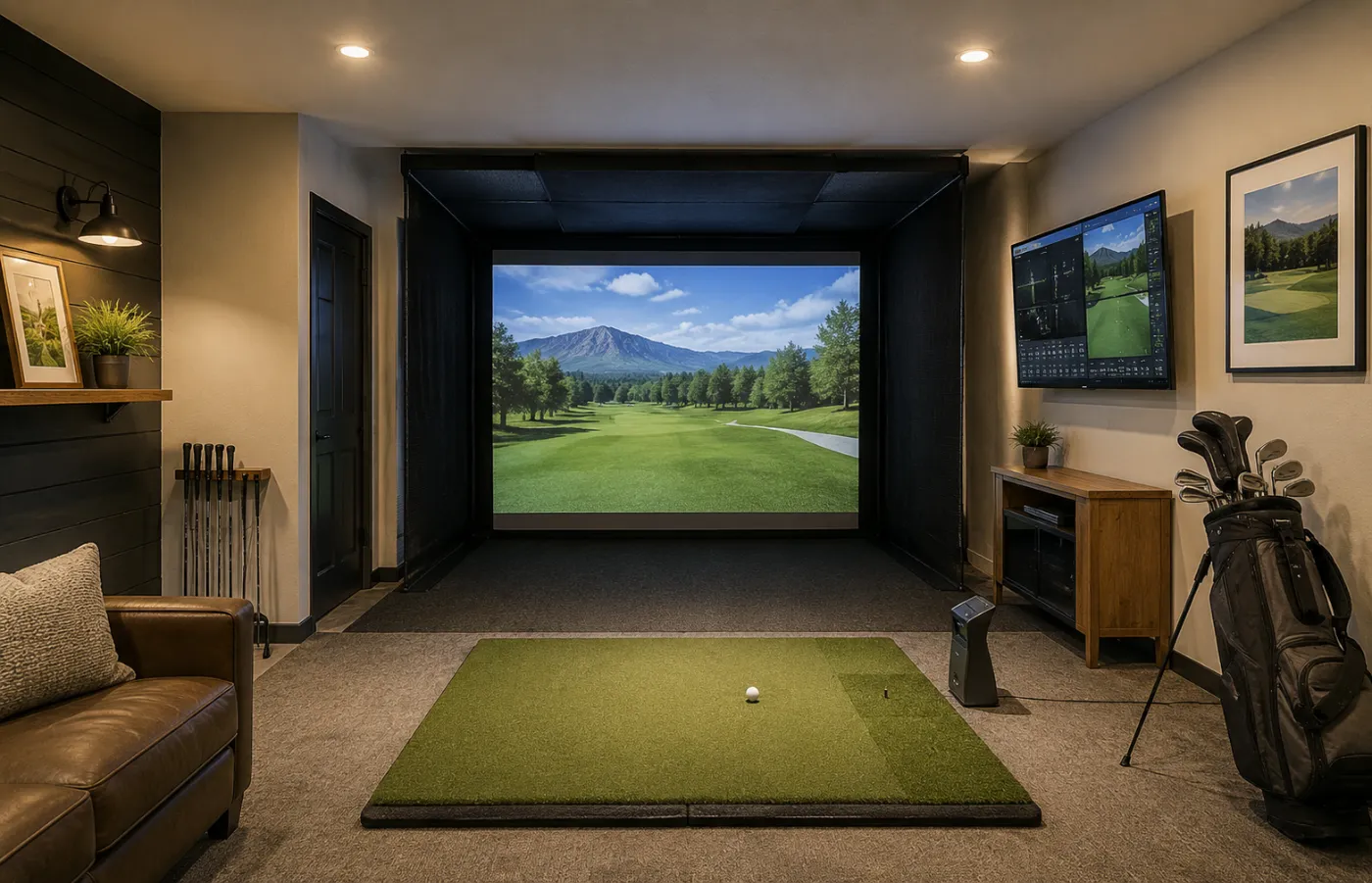
Balanced build
Value monitor + better room
Spreads budget across monitor, mat, screen/net, display, protection, and a cleaner room build.
- Budget cue
- Balanced mid-budget
- Best for
- Most practical home buyers
- Watch-out
- Requires discipline not to overbuy one component.
- Value launch monitor
- Good mat
- Screen or high-quality net
- Display/software route
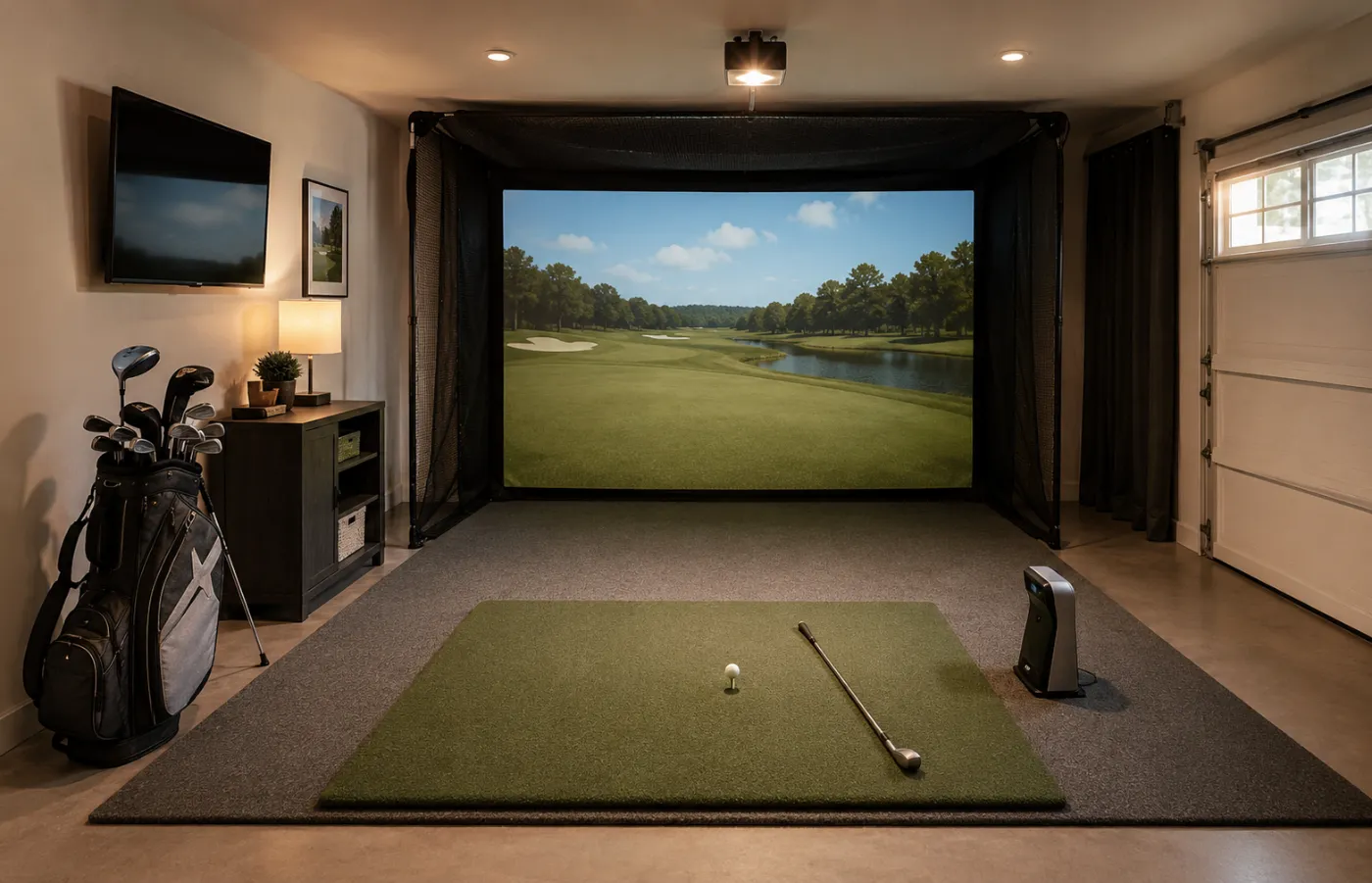
Starter plus
Starter-plus monitor path
Keeps the room practical while putting more budget into the device/workflow than a sub-$5,000 starter setup.
- Budget cue
- Device-aware mid-budget
- Best for
- Buyers stepping up from budget setups
- Watch-out
- Do not let the room stay unsafe or too basic.
- Better launch monitor
- Good mat
- Safer net/screen route
- Simple software/display plan
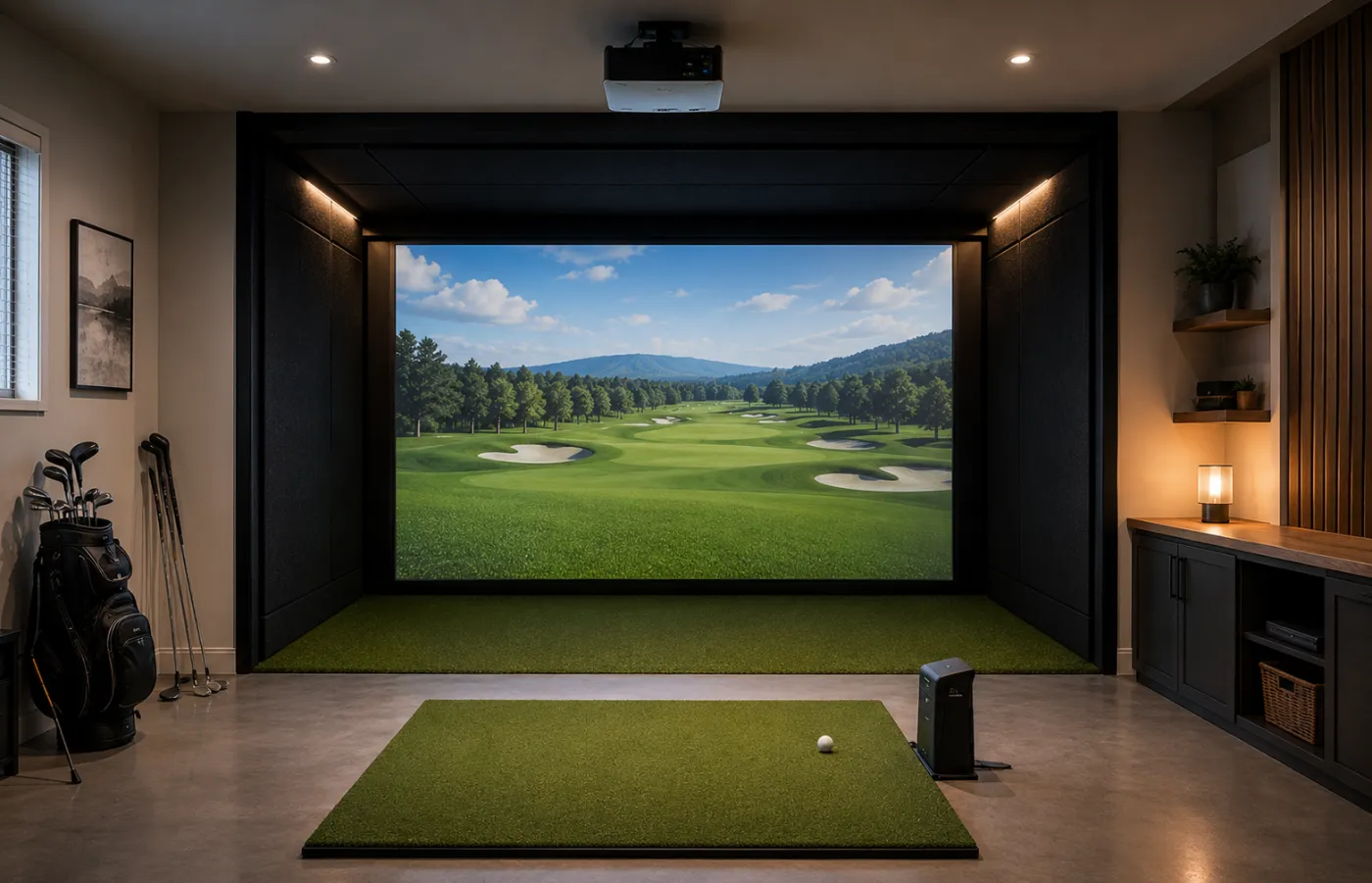
Room-first
Screen enclosure first
Prioritizes the visual simulator experience while staying careful with device and software cost.
- Budget cue
- Room-heavy budget
- Best for
- Garage and dedicated-room buyers
- Watch-out
- Do not ignore software and monitor quality.
- Impact screen
- Enclosure/protection
- Projector or display plan
- Value monitor
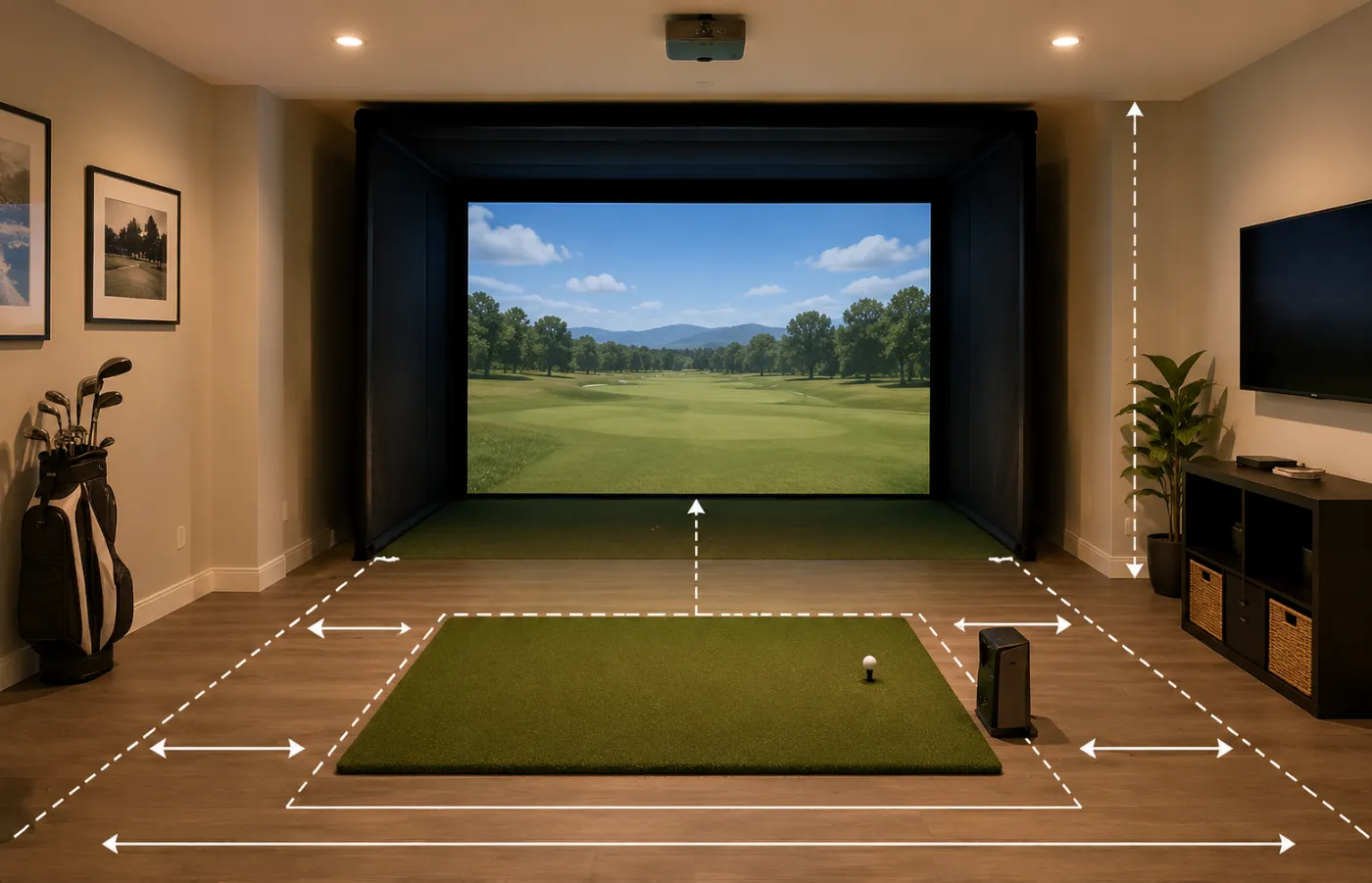
Room-fit first
Measure the room before upgrading
Uses the mid-budget range to solve ceiling height, hitting depth, side clearance, launch monitor placement, and safety first.
- Budget cue
- Room-fit controlled
- Best for
- Basements, garages, shared rooms
- Watch-out
- A good-looking room can still fail if swing clearance or monitor placement is wrong.
- Ceiling and depth check
- Side-clearance plan
- Mat/screen placement
- Monitor position check
Decision depth
Check these details before comparing products
These checks add context that a generic product list usually misses.
Confirm the space before judging any product shortlist.
Compare the full setup cost, not only the headline device price.
Check whether the setup can grow without replacing everything.
Budget path
What changes when budget moves from $5,000 to $10,000
The extra budget can improve either measurement confidence or the room experience. It should not disappear into random upgrades that do not improve day-to-day use.
01 Room experience
Use extra budget for screen, enclosure, mat, projector, and safe hitting space.
02 Measurement confidence
Step up the device only when better data changes practice quality.
03 No random upgrades
Avoid accessories that look premium but do not improve daily use.
Balanced build
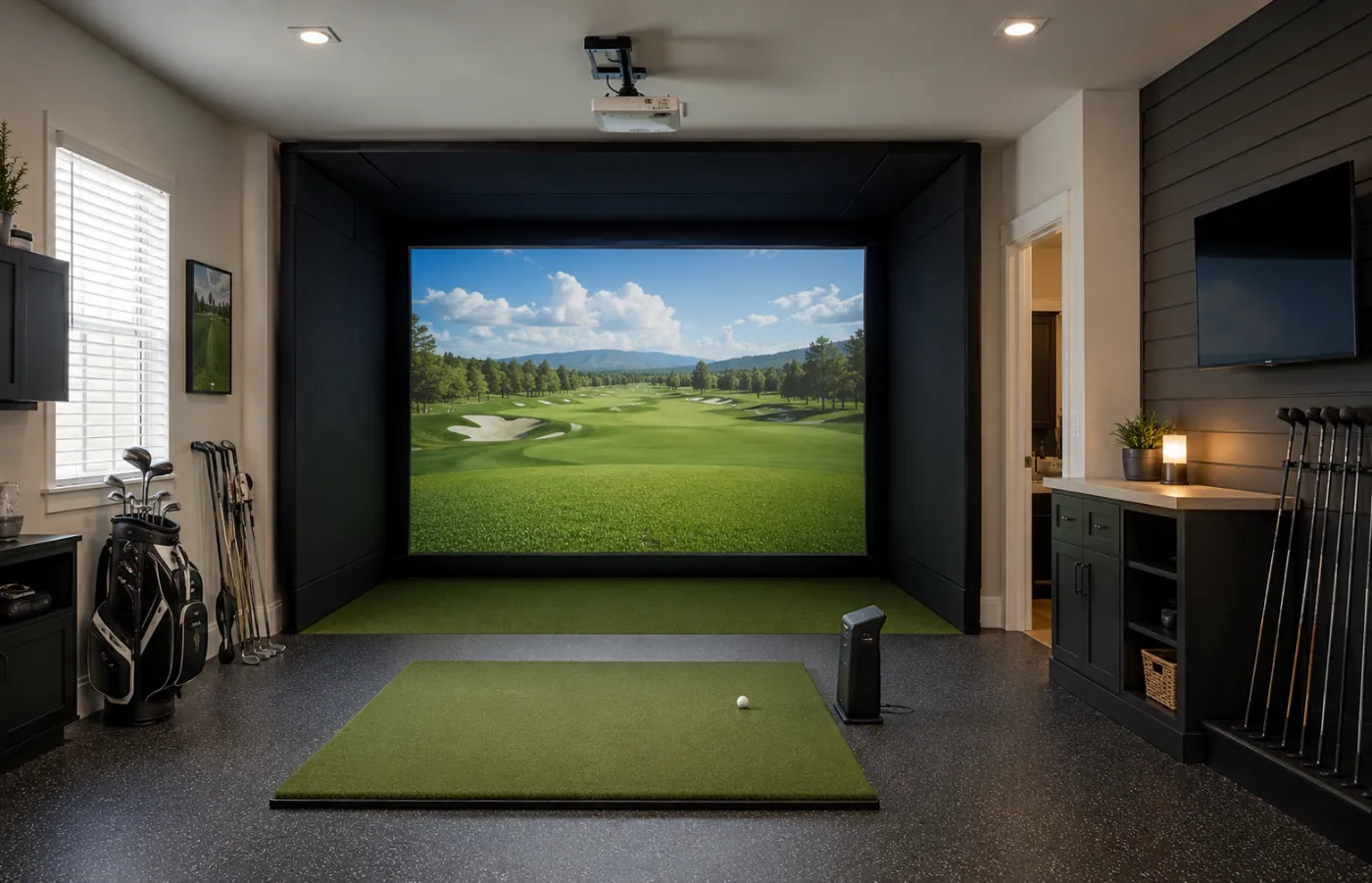
The best under-$10,000 setup is usually balanced
A balanced route can feel better than a premium device in a weak room or a beautiful enclosure paired with a device/software workflow that does not match the buyer’s goals.
01 Finished room feel
Cleaner enclosure, stronger screen path, safer floor and side protection.
02 Balanced device choice
Do not let one launch monitor consume the entire room budget.
03 Workflow that gets used
Keep setup, display, software, and storage simple enough for regular practice.
Budget path
Start with the budget that fits your setup
FAQ
Common questions before you buy
Can a good golf simulator fit under $10,000?
Yes, but it still depends on what the budget includes. A balanced setup can be strong if the device, mat, net or screen, display route, software, and protection are planned together.
Should I buy a premium launch monitor under $10,000?
It can make sense for serious practice, but only if the remaining budget still covers the room and accessories needed to make the setup usable.
Is under $10,000 enough for a screen enclosure?
Often it can be, but the exact answer depends on room size, screen/enclosure choice, projector or display route, mat quality, software, and whether installation or protection is needed.