
- Best for
- Budget practice and fast setup
- Budget
- Compare total cost
- Watch-out
- Low to moderate
Cluster guide
Portable golf simulator guide for flexible home practice
A portable simulator is about flexibility, not just low cost. It works best when setup time, storage, display choice, and practice goals all make sense.
Independent guideRoom-fit firstAffiliate disclosure
Disclosure: Golf Sim Scout may earn a commission when visitors buy through some links. Recommendations are structured around buyer fit, room constraints, pricing, and practical trade-offs. Read the affiliate disclosure.
Quick answer
A portable route usually combines a launch monitor, mat, net, and phone/tablet/laptop display. It trades immersion for flexibility and can be a smart first setup before building a dedicated room.
Buyer shortcut
Choose the buying question that matches you
Most readers do not need every golf simulator guide at once. Pick the constraint that could make you buy the wrong setup, then continue from there.
Compare
Portable golf simulator routes compared
Scan the route cards first, then use the table to compare room fit, budget, setup effort, and trade-offs side by side.
- Best for
- Buyers who want more simulator feel without full permanence
- Budget
- Compare total cost
- Watch-out
- Moderate
- Best for
- Garages that still need parking/storage
- Budget
- Compare total cost
- Watch-out
- Moderate
- Best for
- Shared rooms or rentals
- Budget
- Compare total cost
- Watch-out
- Low to moderate
| Route | Best for | Room fit | Setup effort | Watch-out |
|---|---|---|---|---|
| Low commitmentLaunch monitor + net | Budget practice and fast setup | Flexible but still needs swing clearance | Low to moderate | Less immersive than a screen setup |
| Low commitmentLaunch monitor + impact screen | Buyers who want more simulator feel without full permanence | Needs more width/depth/protection | Moderate | Screen, frame, and projector decisions add complexity |
| Garage routeGarage portable setup | Garages that still need parking/storage | Depends on door tracks, depth, and storage | Moderate | Repeated setup can become annoying if storage is poor |
| Buyer routeSmall-room portable setup | Shared rooms or rentals | Ceiling and depth are the bottlenecks | Low to moderate | Driver use may be unrealistic in tight rooms |
| Practical routeTablet/TV feedback route | No-projector buyers | Flexible | Low | Less immersive but often more practical |
Low commitment
Launch monitor + net
- Best for
- Budget practice and fast setup
- Room fit
- Flexible but still needs swing clearance
- Setup effort
- Low to moderate
- Watch-out
- Less immersive than a screen setup
Low commitment
Launch monitor + impact screen
- Best for
- Buyers who want more simulator feel without full permanence
- Room fit
- Needs more width/depth/protection
- Setup effort
- Moderate
- Watch-out
- Screen, frame, and projector decisions add complexity
Garage route
Garage portable setup
- Best for
- Garages that still need parking/storage
- Room fit
- Depends on door tracks, depth, and storage
- Setup effort
- Moderate
- Watch-out
- Repeated setup can become annoying if storage is poor
Buyer route
Small-room portable setup
- Best for
- Shared rooms or rentals
- Room fit
- Ceiling and depth are the bottlenecks
- Setup effort
- Low to moderate
- Watch-out
- Driver use may be unrealistic in tight rooms
Practical route
Tablet/TV feedback route
- Best for
- No-projector buyers
- Room fit
- Flexible
- Setup effort
- Low
- Watch-out
- Less immersive but often more practical
Shortlist
Our top picks
Each pick is framed by buyer type, room fit, price cue, and the trade-off to check before comparing prices.
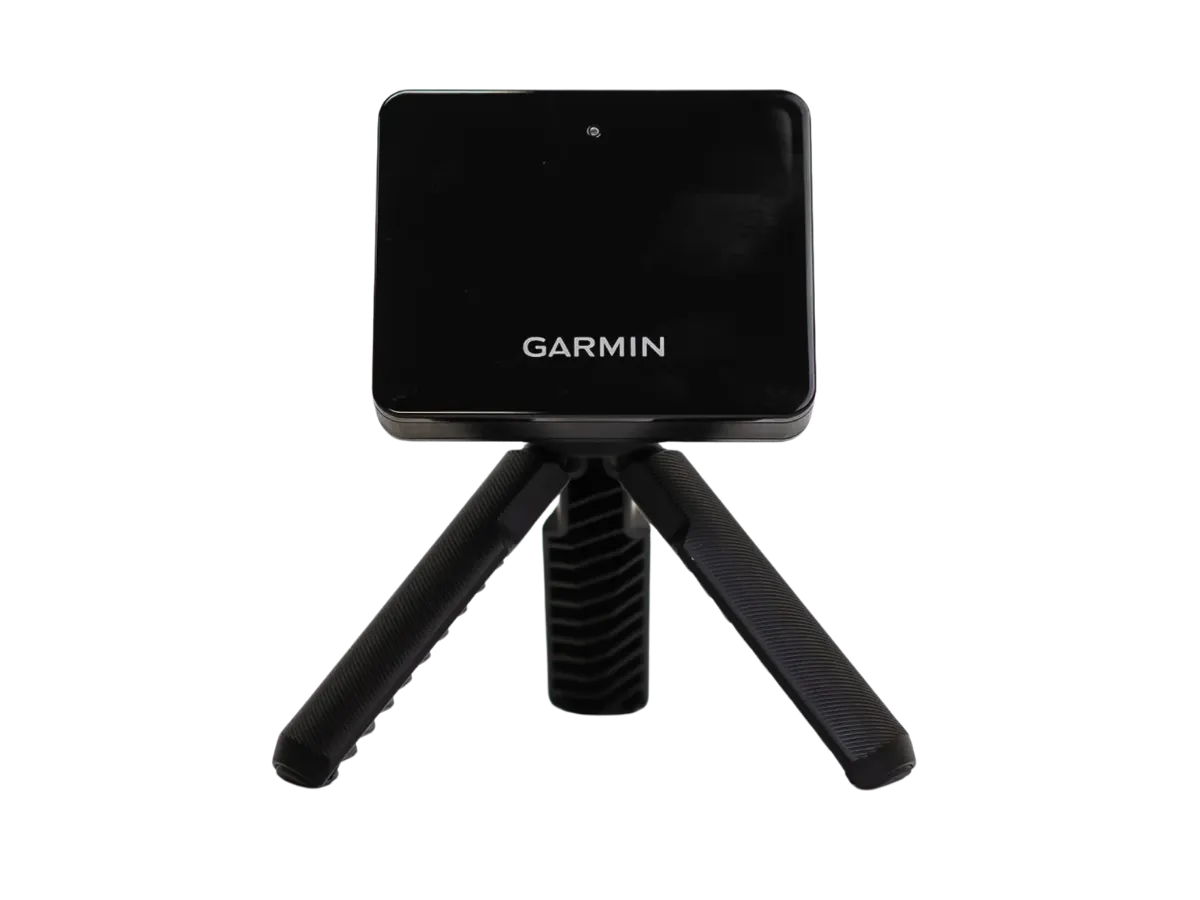
Budget portable route
Garmin Approach R10
A common starter route when budget and portability matter more than a full studio feel.
- Price cue
- Entry / budget
- Best for
- Portable practice and first simulator tests
- Watch-out
- Indoor space and accuracy expectations must be realistic.
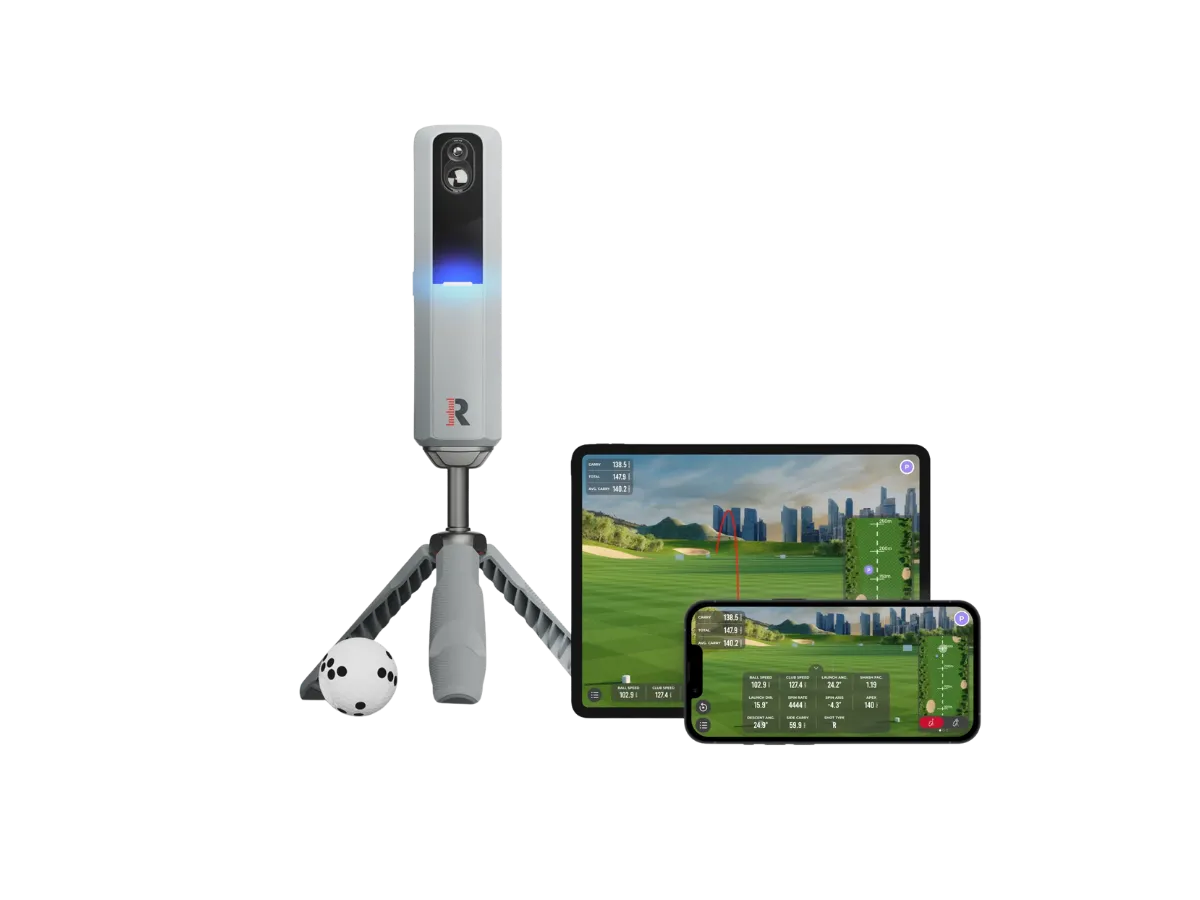
Mobile-first route
Rapsodo MLM2PRO
A portable-friendly option to compare for buyers who do not want a fixed simulator room.
- Price cue
- Entry / budget
- Best for
- Mobile-first practice and portable setups
- Watch-out
- Software, device workflow, and indoor expectations should be checked before buying.
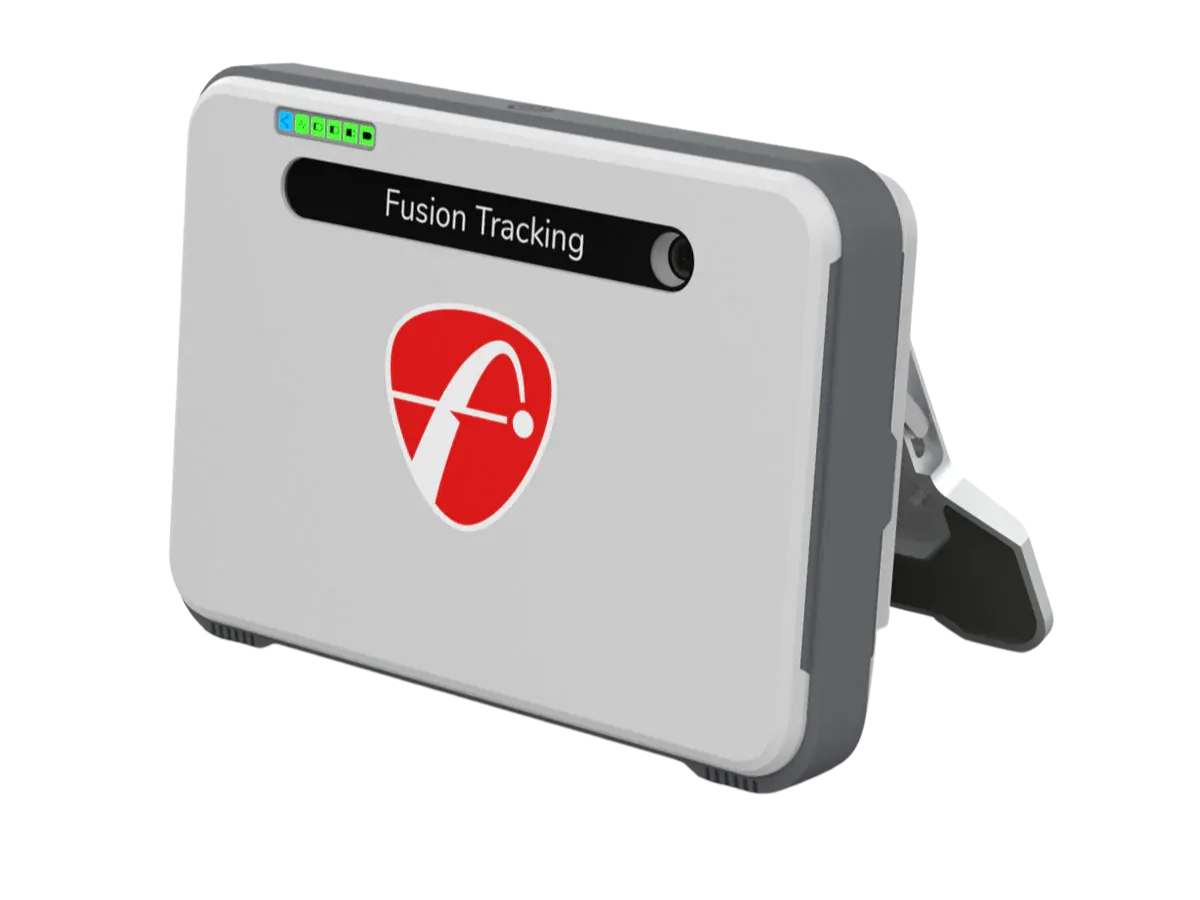
More data route
FlightScope Mevo Gen2
Useful for buyers who want more capability than a starter unit while keeping flexibility.
- Price cue
- Mid-range
- Best for
- Buyers comparing portable practice with deeper data
- Watch-out
- Radar-style setups can need more depth and planning than buyers expect.
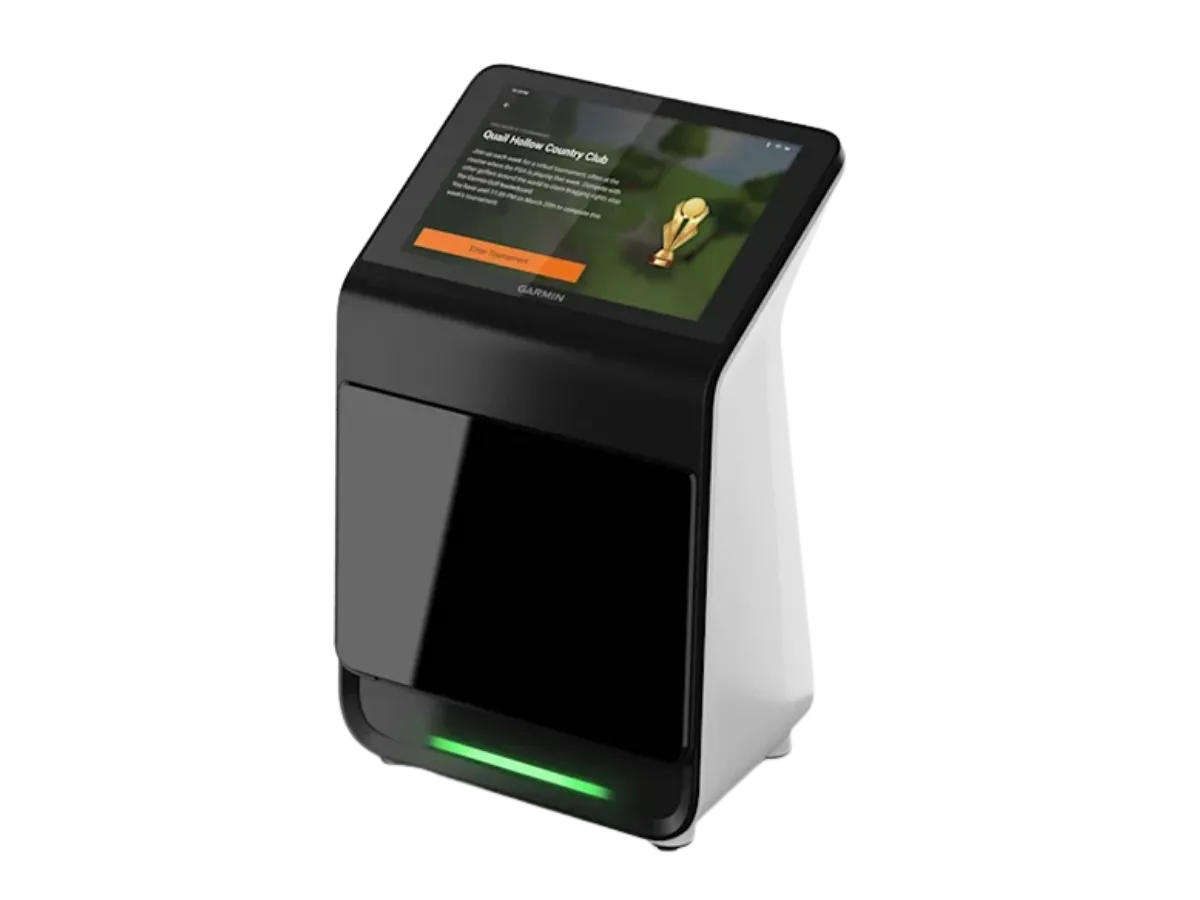
Flexible route
Garmin Approach R50
A practical option for buyers who value portability and a simpler setup route.
- Price cue
- Upper mid-range
- Best for
- Buyers who want a flexible launch monitor path
- Watch-out
- Confirm software, display, and simulator workflow fit your goals.
Setup route
Net-only practice route
Compare fit, price, and setup trade-off before opening retailer pages.
No projector route
Net-only practice route
A practical way to start when space, budget, or installation effort is limited.
- Price cue
- Budget varies
- Best for
- Buyers who want simple practice without a full screen room
- Watch-out
- Less immersive than an impact screen and projector setup.
Why trust Golf Sim Scout
Built to help buyers avoid the wrong home simulator setup
Most expensive mistakes happen before checkout: the room is too tight, the real budget is higher than expected, or the buyer compares devices before choosing the setup route.
We frame picks around room size, ceiling height, portability, and setup effort before product excitement.
We separate launch monitor price from mats, nets, screens, projectors, software, and room protection.
Some links may earn a commission, but the page is structured around buyer fit and practical trade-offs.
The goal is to help readers avoid the wrong route before they open a retailer or brand page.
Next buying step
Compare current product options after the fit check
Use these options only after checking room fit, budget, setup effort, and software needs. Product availability, package details, and pricing can change, so confirm current details before buying.
Quick verdict
Choose portable if The room cannot stay dedicated, you need to pack the setup away, or you want lower commitment before building a full simulator.
Skip portable if You want a theater-like simulator room, permanent screen, projector, and premium indoor experience.
Watch the hidden cost Portable still needs a mat, net or screen, software, device, storage, and safety planning.
Buyer fit
Who should buy / who should skip
Use this filter before comparing products. A good golf simulator choice starts with fit, not with the loudest product claim.
Who should buy
- You rent, share space, or cannot dedicate a permanent room.
- You want a lower-commitment way to practice at home.
- You may use the same launch monitor indoors and at the range.
Who should skip
- You want a permanent screen and projector-first simulator room.
- You dislike setup and breakdown time.
- You need the most immersive home simulator experience.
Portable buying checks
Decide how portable the setup really needs to be
Use this section to narrow the decision before opening product or retailer pages.
Choose gear that folds, stores, and reconnects quickly.
Check whether the launch monitor works both indoors and outdoors.
Use a phone, tablet, laptop, or TV if you want fewer installation issues.
Portable depth
Portable trade-offs to decide upfront
A portable route is useful only if setup, storage, and feedback still match the buyer’s practice habits.
A setup that takes too long will not be used often, even if it is cheaper.
Phone, tablet, laptop, monitor, or projector changes both cost and convenience.
Radar and camera devices may behave differently depending on space, light, and ball flight.
Deep guide
Portable setup trade-offs
Portable does not mean perfect for every buyer.
Pros
Lower commitment, easier storage, and often lower starting cost.
Limits
Less immersive and more dependent on setup discipline.
Upgrade path
A good portable launch monitor may still fit a future room build.
Deep guide
What to check before buying
Simple setups still need planning.
Mat stability
A poor mat can make practice uncomfortable or misleading.
Net safety
Impact area and side miss protection still matter.
Display workflow
Make sure the phone, tablet, or laptop setup is easy enough to use often.
Budget path
Start with the budget that fits your setup
FAQ
Common questions before you buy
Is a portable simulator worth it?
It can be worth it if you value flexibility more than a permanent room feel.
Can portable setups work indoors?
Yes, if swing clearance, net safety, and launch monitor placement are handled carefully.
Do portable simulators need a projector?
No. Many portable setups use a phone, tablet, laptop, or TV display.