
- Best for
- Budget buyers and shared rooms
- Room need
- Safe swing area plus net depth
- Budget
- Lowest commitment
Indoor golf simulator guide
Best indoor golf simulator routes for home buyers
Compare the practical indoor routes first: portable launch monitor, net-and-mat practice, screen enclosure, or a dedicated simulator room. The best choice depends on space, ceiling height, budget, and how realistic the setup needs to feel.
Independent guideRoom-fit firstAffiliate disclosure
Disclosure: Golf Sim Scout may earn a commission when visitors buy through some links. Recommendations are structured around buyer fit, room constraints, pricing, and practical trade-offs. Read the affiliate disclosure.
Quick answer
For most indoor buyers, the safest route is to choose the room setup before choosing the launch monitor. A portable net-and-mat route is easier to start, while a screen enclosure or dedicated room can feel more immersive but needs more planning, more space, and a larger full-setup budget.
Buyer shortcut
Choose the buying question that matches you
Most readers do not need every golf simulator guide at once. Pick the constraint that could make you buy the wrong setup, then continue from there.
Measure first
Check ceiling height, width, depth, stance position, and safe swing clearance before judging products.
Pick display route
Compare net-only, screen, enclosure, projector, and display-light routes before committing budget.
Compare full setup cost
Include mat, balls, enclosure, launch monitor, display, software, and room protection in one budget.
Compare
Indoor golf simulator route comparison
Use this table to compare the indoor route, not just the launch monitor name.
- Best for
- Garage or spare-room buyers
- Room need
- Height, width, depth, projector throw, protection
- Budget
- Mid-range to premium
- Best for
- Serious long-term practice
- Room need
- Fixed room, protection, display, installation path
- Budget
- Premium
- Best for
- Buyers who move practice between spaces
- Room need
- Flexible but weather/display constraints matter
- Budget
- Entry to mid-range
| Setup route | Best for | Room needs | Budget cue | Setup effort | Main trade-off | Next step |
|---|---|---|---|---|---|---|
| Best starting routePortable net + launch monitor | Budget buyers and shared rooms | Safe swing area plus net depth | Lowest commitment | Low to moderate | Less immersive than a screen room | Check device spacing and net safety |
| Room-fit routeMat + screen + projector | Garage or spare-room buyers | Height, width, depth, projector throw, protection | Mid-range to premium | Moderate to high | More realistic, more components to match | Confirm screen size and projector route |
| Setup routeDedicated premium room | Serious long-term practice | Fixed room, protection, display, installation path | Premium | High | Best experience but high commitment | Plan full build before product comparison |
| Buyer routeOutdoor/portable hybrid | Buyers who move practice between spaces | Flexible but weather/display constraints matter | Entry to mid-range | Low | Less permanent and less studio-like | Compare portable monitor workflow |
Best starting route
Portable net + launch monitor
- Best for
- Budget buyers and shared rooms
- Room needs
- Safe swing area plus net depth
- Budget cue
- Lowest commitment
- Setup effort
- Low to moderate
- Main trade-off
- Less immersive than a screen room
Room-fit route
Mat + screen + projector
- Best for
- Garage or spare-room buyers
- Room needs
- Height, width, depth, projector throw, protection
- Budget cue
- Mid-range to premium
- Setup effort
- Moderate to high
- Main trade-off
- More realistic, more components to match
Setup route
Dedicated premium room
- Best for
- Serious long-term practice
- Room needs
- Fixed room, protection, display, installation path
- Budget cue
- Premium
- Setup effort
- High
- Main trade-off
- Best experience but high commitment
Buyer route
Outdoor/portable hybrid
- Best for
- Buyers who move practice between spaces
- Room needs
- Flexible but weather/display constraints matter
- Budget cue
- Entry to mid-range
- Setup effort
- Low
- Main trade-off
- Less permanent and less studio-like
Shortlist
Our top picks
Each pick is framed by buyer type, room fit, price cue, and the trade-off to check before comparing prices.
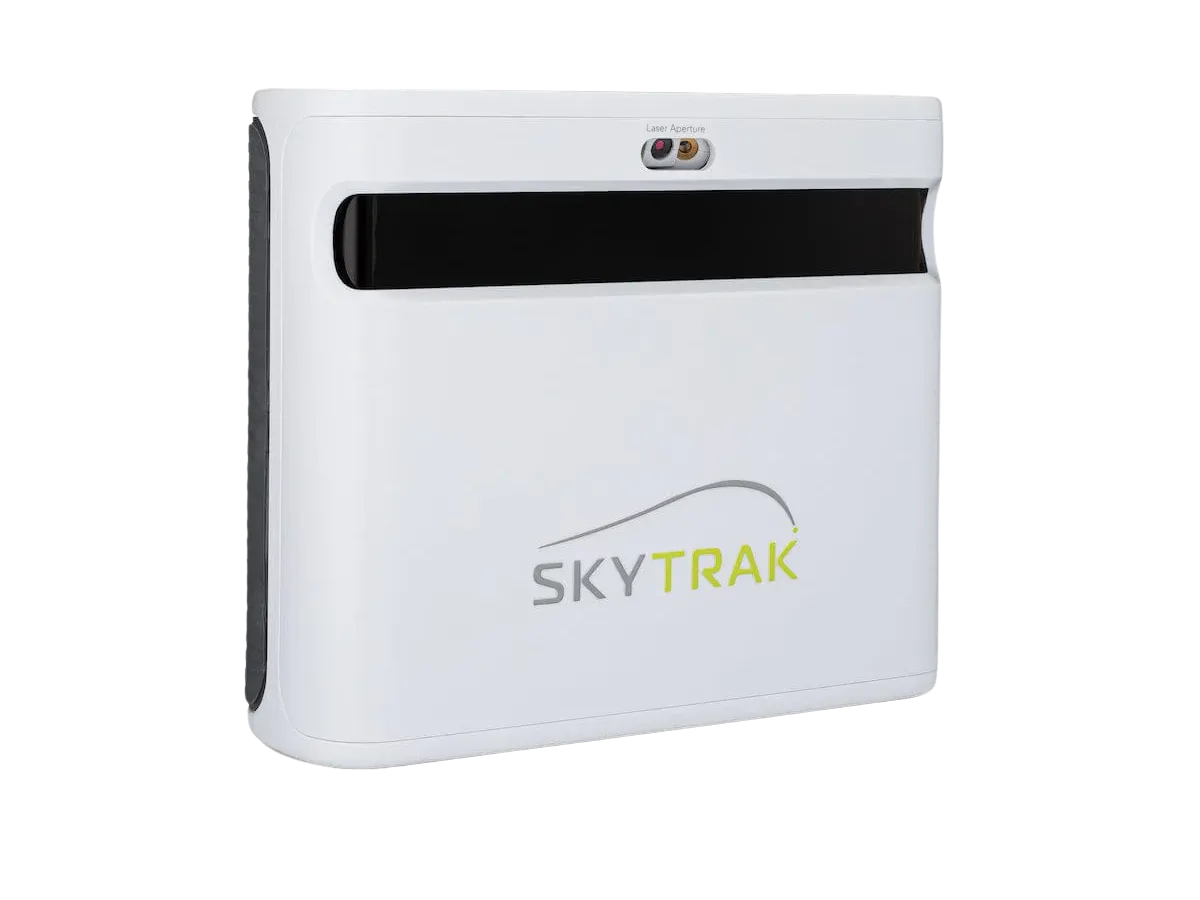
Best overall indoor value
SkyTrak ST MAX
Strong indoor-friendly value for many home buyers.
- Price cue
- Mid-range
- Best for
- Home players comparing the current SkyTrak launch monitor
- Watch-out
- Confirm software and full package cost.
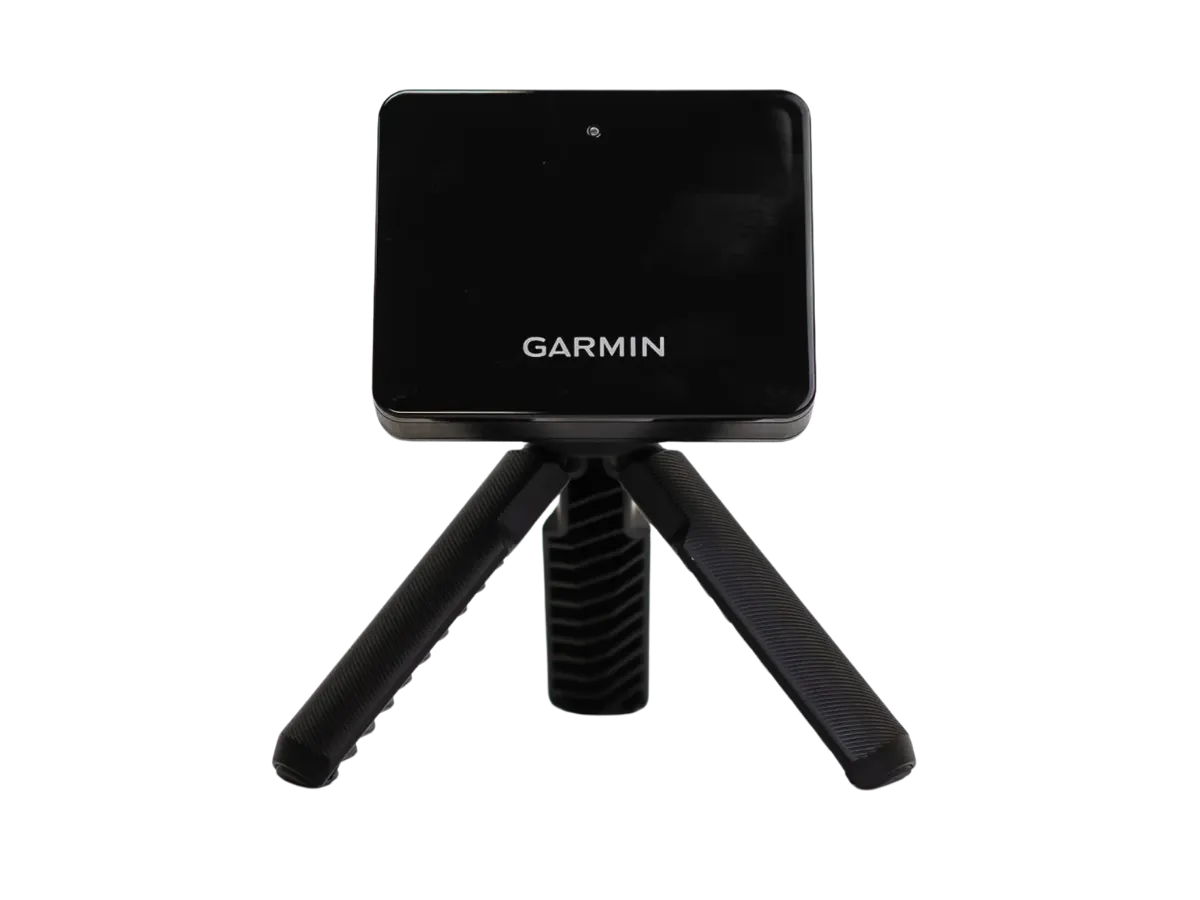
Budget indoor test
Garmin Approach R10
Lower-commitment way to test a practice setup.
- Price cue
- Entry / budget
- Best for
- Portable practice and first simulator tests
- Watch-out
- Indoor spacing and expectations need care.
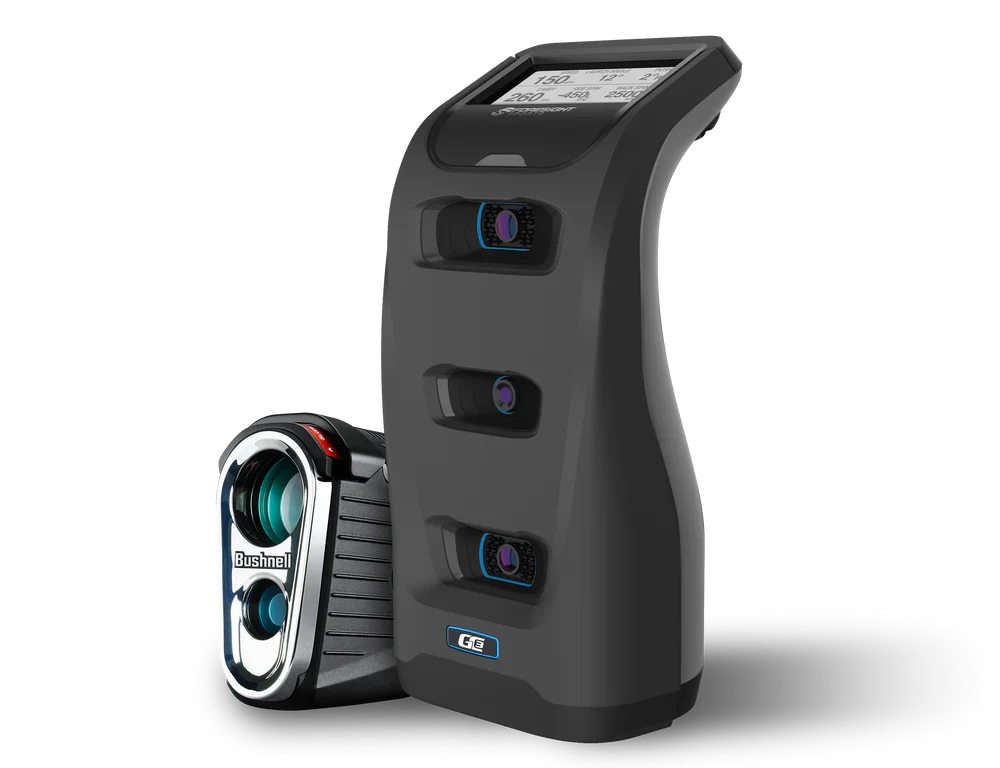
Serious practice
Foresight GC3
Better fit for buyers prioritizing practice feedback.
- Price cue
- Premium
- Best for
- Serious practice and dedicated rooms
- Watch-out
- More than many casual buyers need.
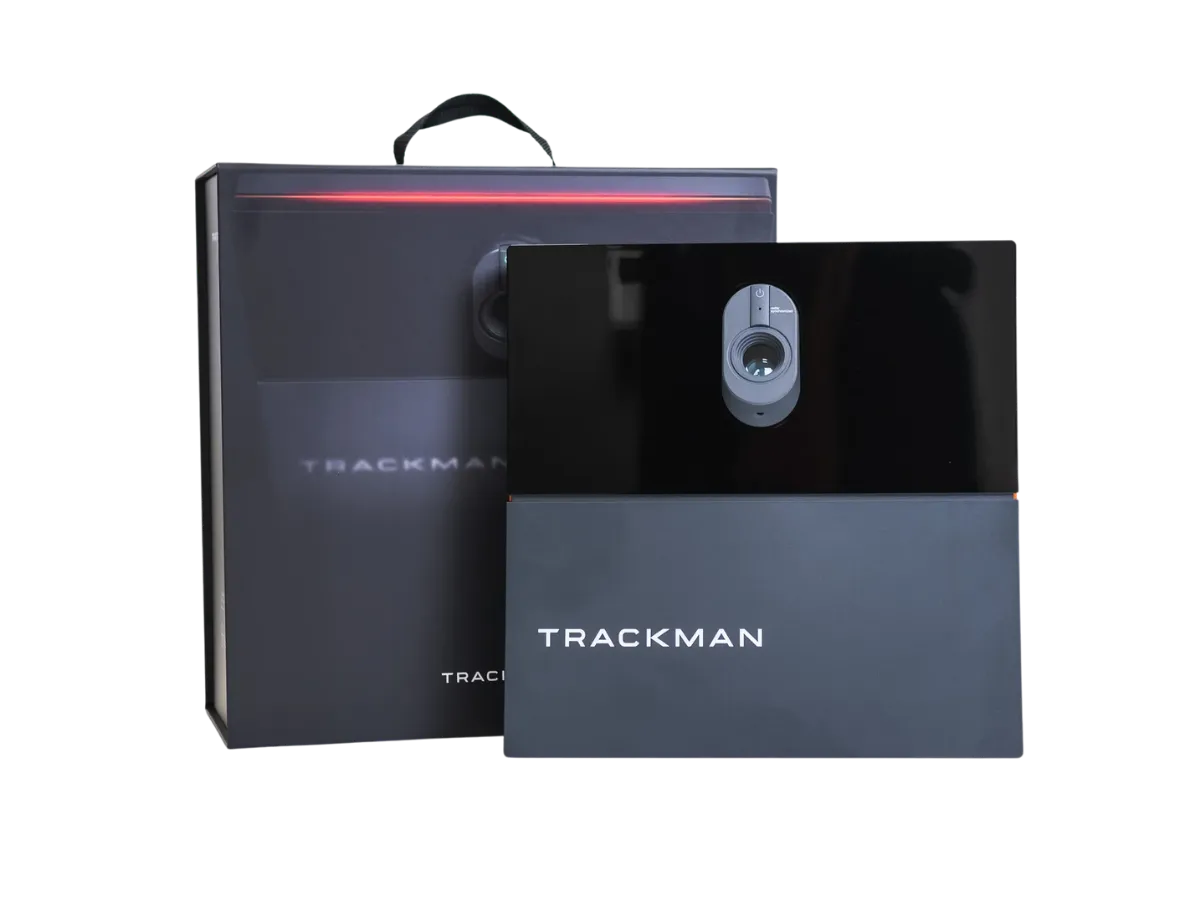
Premium room
Trackman iO
Built for committed simulator rooms.
- Price cue
- Premium
- Best for
- Dedicated premium simulator rooms
- Watch-out
- Not the right first step for tight budgets.
Why trust Golf Sim Scout
Built to help buyers avoid the wrong home simulator setup
Most expensive mistakes happen before checkout: the room is too tight, the real budget is higher than expected, or the buyer compares devices before choosing the setup route.
We frame picks around room size, ceiling height, portability, and setup effort before product excitement.
We separate launch monitor price from mats, nets, screens, projectors, software, and room protection.
Some links may earn a commission, but the page is structured around buyer fit and practical trade-offs.
The goal is to help readers avoid the wrong route before they open a retailer or brand page.
Next buying step
Compare current product options after the fit check
Use these options only after checking room fit, budget, setup effort, and software needs. Product availability, package details, and pricing can change, so confirm current details before buying.
Indoor buyer shortcut
Small/shared room Start with portable launch monitor, mat, net, and a simple display before building a full room.
Garage or spare room Compare a screen enclosure route if height, width, depth, and side protection work.
Premium dedicated room Prioritize measurement confidence, software workflow, room protection, and installation quality.
Buyer fit
Who should buy / who should skip
Use this filter before comparing products. A good golf simulator choice starts with fit, not with the loudest product claim.
Who should buy
- Buy when the room can safely support the setup route.
- Buy when the full budget includes accessories and protection.
Who should skip
- Skip a full screen build if the room is temporary or too shallow.
- Skip premium systems if the main need is occasional practice.
Indoor checks
Confirm these before choosing an indoor setup
Most indoor mistakes come from space, safety, and total setup cost rather than the launch monitor name.
Check ceiling height, hitting depth, side clearance, stance area, and where the ball/net/screen sits.
A phone/tablet is simpler; a projector/screen route feels better but adds cost, calibration, and room constraints.
Some setups need more depth behind or in front of the ball. Confirm requirements before buying.
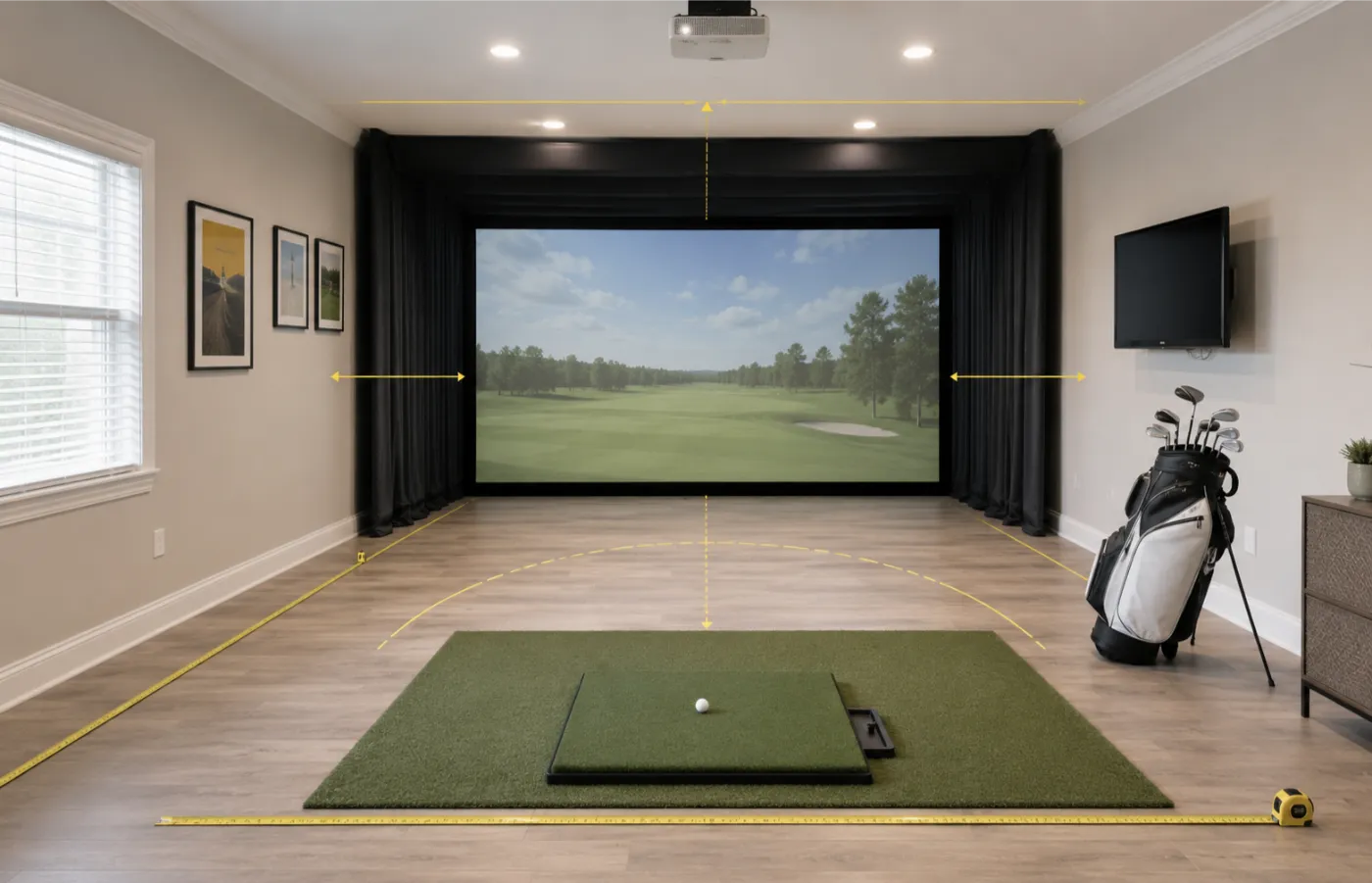
Indoor setup routes
Choose the indoor route before the exact product
These route cards help readers understand the room plan before clicking out to a retailer or brand page.
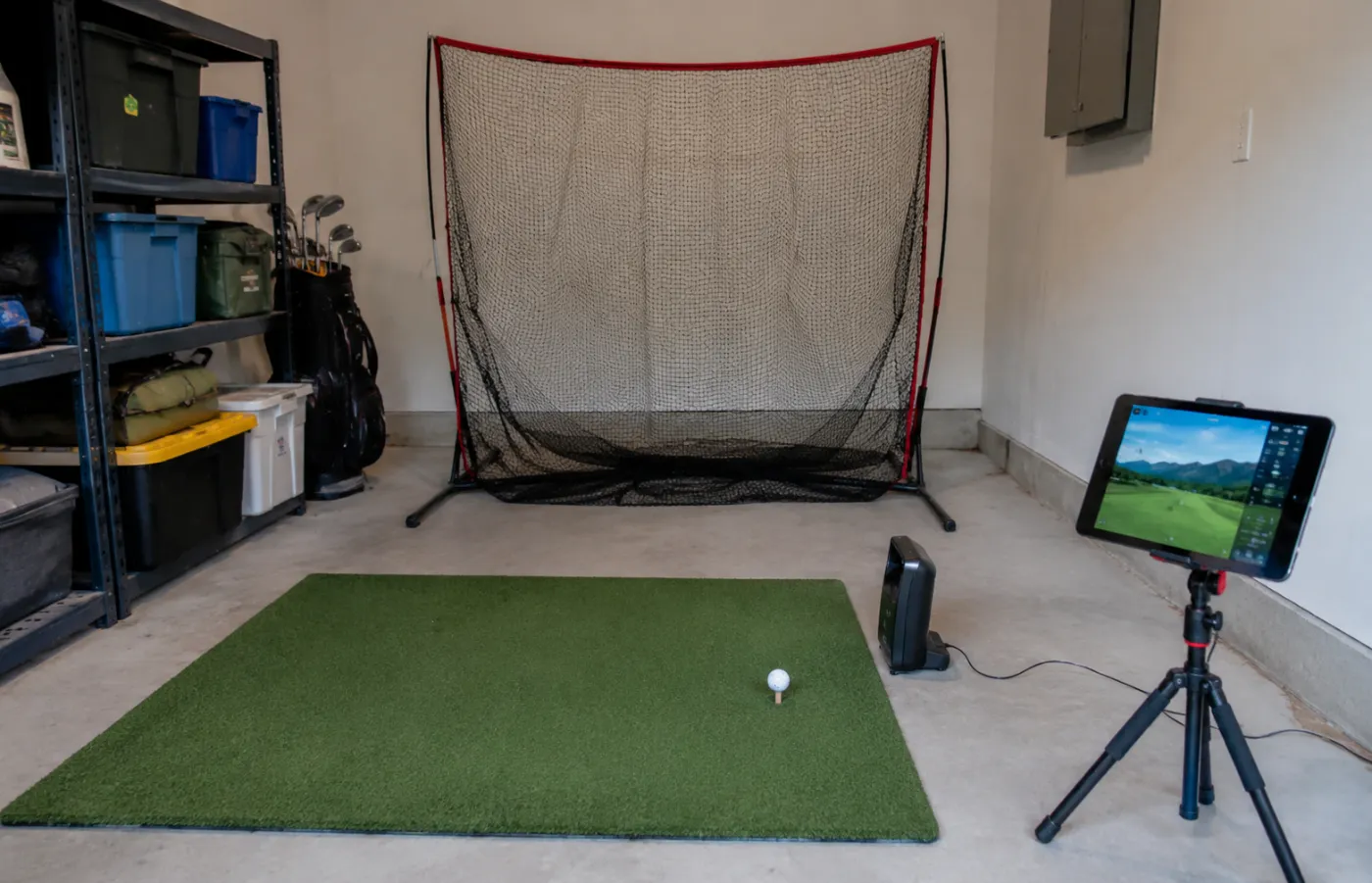
Lowest commitment
Net + launch monitor route
Good for first indoor practice tests without building a fixed simulator room.
- Budget cue
- Entry to mid-range
- Best for
- Beginners, renters, portable buyers, shared rooms
- Watch-out
- Less immersive and still needs safe ball/net space.
- Launch monitor
- Hitting mat
- Net or basic screen
- Phone/tablet or simple display
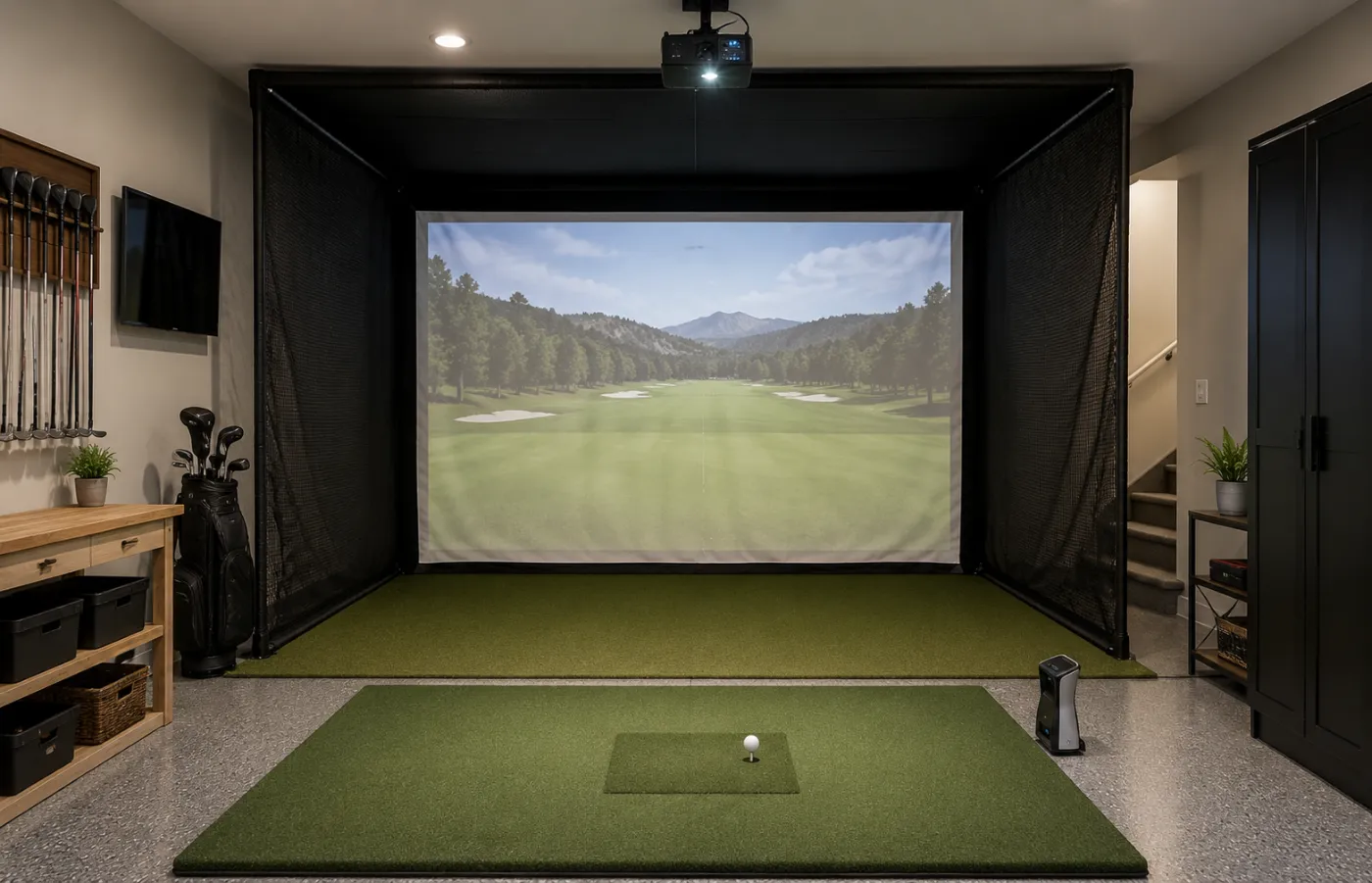
Room-fit route
Screen enclosure route
A more simulator-like indoor experience if the room can handle screen size, projector throw, and protection.
- Budget cue
- Mid-range to premium
- Best for
- Garage, basement, and spare-room buyers
- Watch-out
- Projector, screen, enclosure, and protection add complexity.
- Launch monitor
- Impact screen
- Enclosure or side protection
- Projector or monitor route
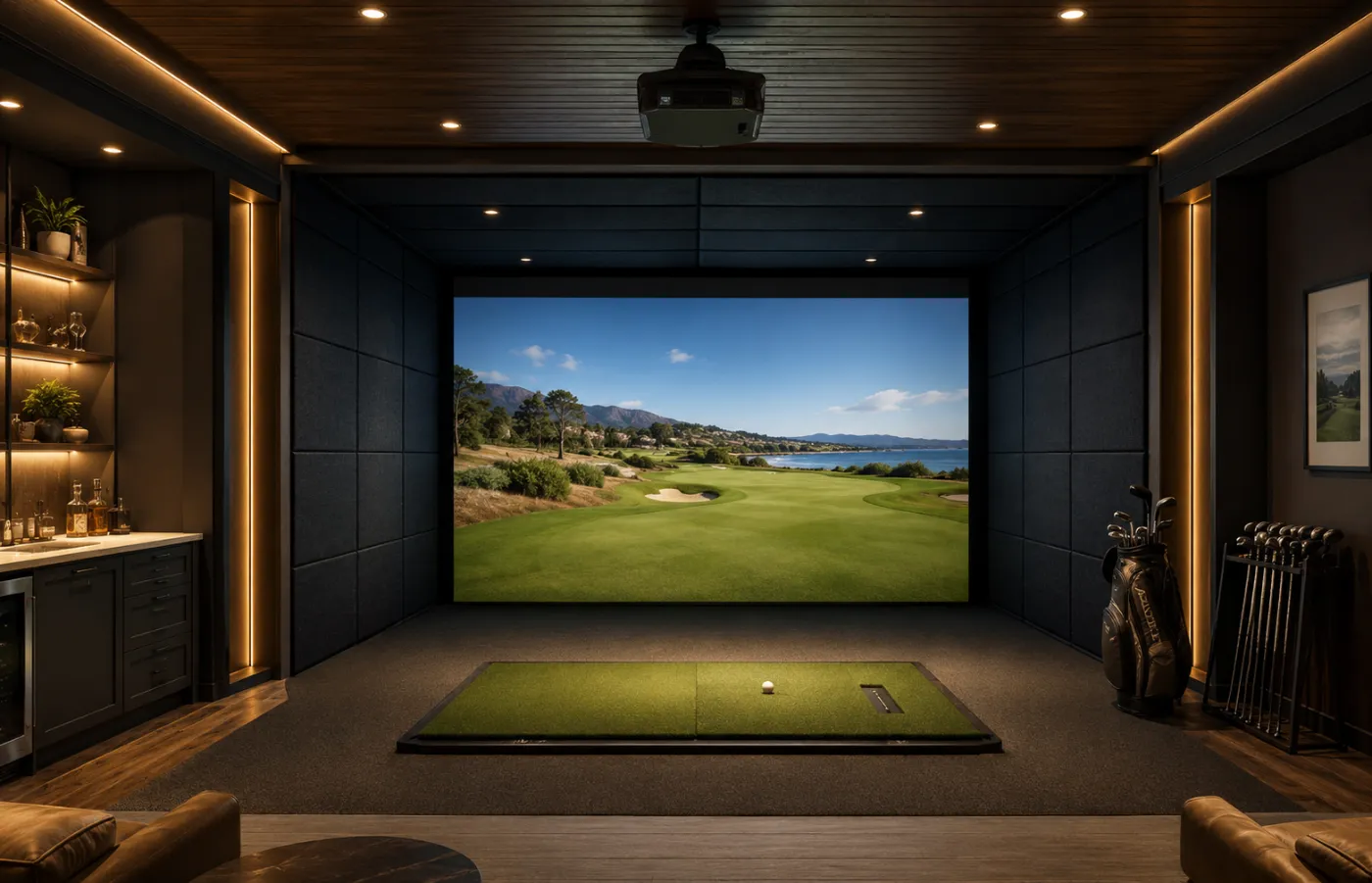
Premium room
Dedicated studio route
Best for buyers who want a long-term practice room with fewer compromises.
- Budget cue
- Premium
- Best for
- Serious golfers and dedicated rooms
- Watch-out
- Usually needs more planning, installation, and ongoing software decisions.
- Higher-confidence monitor
- Room protection
- Display/software workflow
- Permanent hitting area
Decision depth
Check these details before comparing products
These checks add context that a generic product list usually misses.
Confirm the space before judging any product shortlist.
Compare the full setup cost, not only the headline device price.
Check whether the setup can grow without replacing everything.
Methodology
How we ranked these
Room fit first
Full setup cost
Indoor safety
Setup effort
Upgrade path
Why indoor simulator decisions go wrong
Indoor buyers often compare launch monitors before deciding the room route. That can lead to a setup that technically works but feels cramped, noisy, unsafe, or more expensive than expected once the screen, projector, mat, software, and protection are included.
When a screen room makes sense
A screen enclosure route makes more sense when the room is stable, the golfer wants a more immersive experience, and the budget includes the non-device components. It is less attractive when the room is shared, shallow, or still uncertain.
Budget path
Start with the budget that fits your setup
FAQ
Common questions before you buy
What is the best indoor golf simulator setup?
For most home buyers, the best indoor setup is the one that fits the room safely and leaves enough budget for the mat, net or screen, display route, software, and protection.
Do I need a projector for an indoor simulator?
No. A projector can make the setup feel more immersive, but many buyers start with a net and a phone, tablet, or monitor before building a full screen room.
Should I choose camera or radar indoors?
Both can work, but the right choice depends on room depth, placement requirements, ball data needs, and how permanent the setup will be.